When you start the Config File Manager there are two options for loading configuration files:
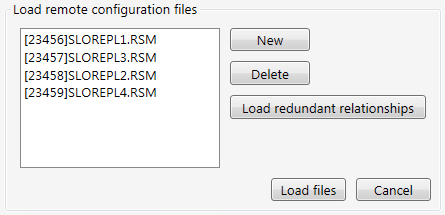
Click Edit remote configuration files to manage configuration files from live services running anywhere in your CygNet environment.
To edit remote configuration files

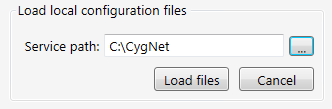
Click Edit local configuration files to manage configuration files from services on your local server. The local services do not have to be running.
To edit local configuration files
Resolving Conflicts when Loading Local Configuration Files
When loading local configuration files, the Config File Manager searches all directories and subdirectories for *.cfg files in alphabetical order. The utility may find files of the same name from different folders, for example, in a Backup folder and in a Services folder. To resolve conflicts when this occurs, a Conflict Resolver dialog displays the conflicting file names. The user has the option of choosing individual files, or clicking Select All on Left or Select All on Right. Once the choices have been made, clicking Accept will load the selected files.
Click the following image to see a sample Conflict Resolver dialog:

|
|
|

